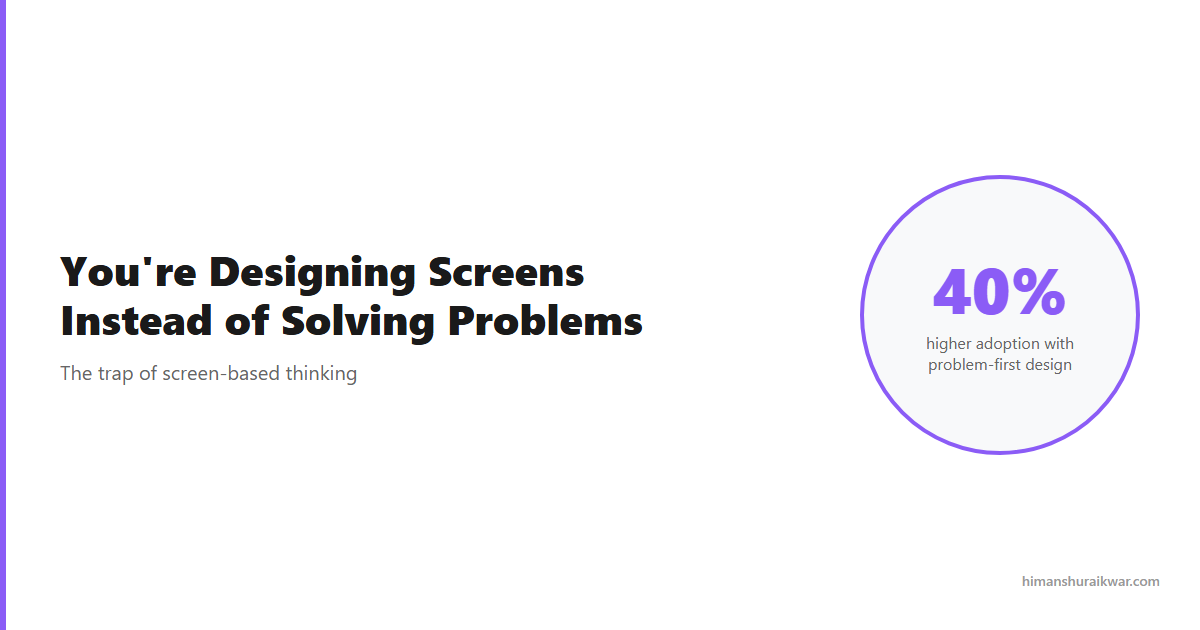
You open Figma. You create an artboard. You start dragging rectangles and adding text. Screen-based thinking is killing your design career. You’re producing pixels, not solutions. Screen-based design thinking is killing your design career. You’re producing pixels, not solutions.
Here’s the uncomfortable truth: the best designers don’t start with screens. They start with problems. The screen is the last thing they design, not the first.
The Trap of Screen-Based Design
Screen-based thinking feels productive. You’re moving fast, shipping mockups, getting feedback. But speed without direction is just noise.
The problem is that screens are outputs, not outcomes. A beautiful screen that solves the wrong problem is worse than an ugly screen that solves the right one. Most designers spend 80% of their time on screens and 20% on problems. That ratio should be flipped.
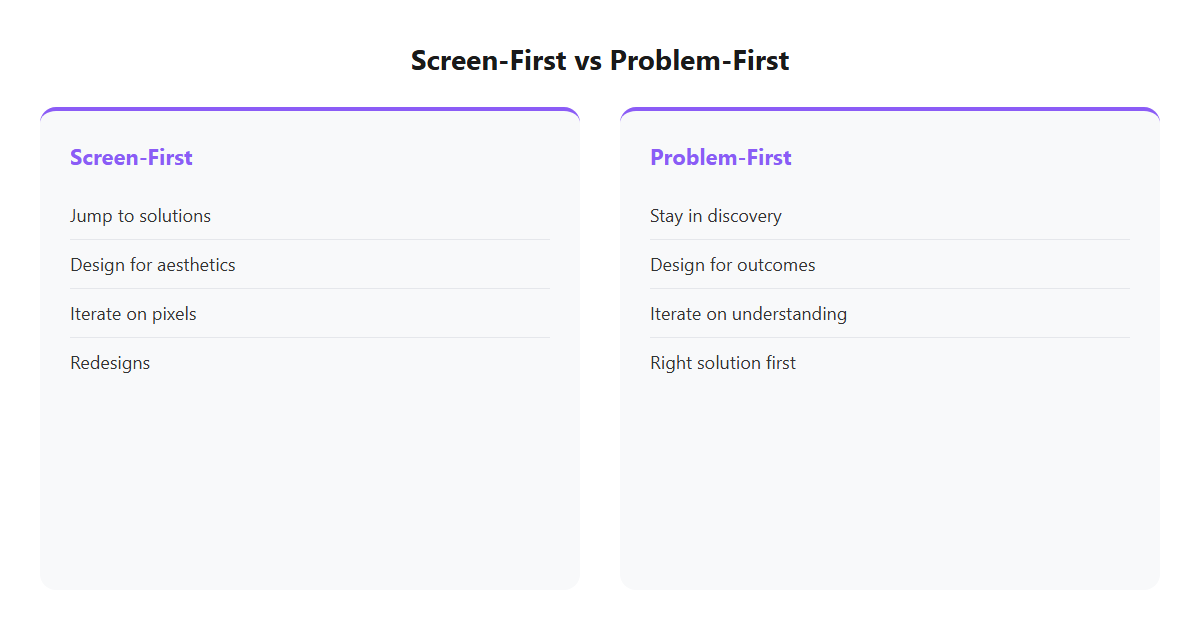
| Screen-First Approach | Problem-First Approach |
|---|---|
| “How should this look?” | “What’s the real problem?” |
| Jump to solutions | Stay in discovery |
| Design for aesthetics | Design for outcomes |
| Iterate on pixels | Iterate on understanding |
The shift isn’t about abandoning screens. It’s about earning the right to design them. You earn that right by deeply understanding the problem first.
How Problem-Based Thinking Works
Problem-based thinking starts with empathy. You talk to users. You observe behavior. You map pain points. Only then do you open Figma.
The process looks like this:
Step 1: Define the problem. Not your assumption—the real, validated problem. Use frameworks like “How Might We” to frame it correctly.
Step 2: Understand the user. Who are they? What do they need? What are they struggling with? Create personas based on research, not imagination.
Step 3: Map the journey. Where does the problem occur? What happens before and after? What touchpoints matter?
Step 4: Generate solutions. Now you can design. But start with wireframes, not high-fidelity. Test concepts before polishing pixels.
This approach takes longer upfront. It saves massive time downstream. You avoid redesigns because you designed the right thing the first time.
The Cost of Designing Screens Instead of Solving Problems
Every screen you design without understanding the problem is a gamble. Sometimes you get lucky. Most of the time, you don’t.
| Screen-Based Cost | Impact |
|---|---|
| Redesigns | 3-5x more iterations |
| Misaligned features | Build things nobody uses |
| User confusion | High churn, low adoption |
| Team friction | Engineers question every decision |
The data is clear: products designed with problem-first thinking have 40% higher adoption rates and 60% fewer support tickets. The upfront investment pays for itself many times over.
How to Break the Screen Habit
Breaking screen-based thinking isn’t easy. It’s a habit. But habits change with practice.
Start every project with a problem statement. Before you open Figma, write one sentence that defines the problem. If you can’t write it clearly, you don’t understand it yet.
Schedule discovery time. Block 2-3 hours per week for user research, interviews, or data analysis. Make it non-negotiable.
Create a “no screens” rule. For the first 20% of any project, ban high-fidelity designs. Force yourself to stay in problem space.
Measure outcomes, not outputs. Track how many of your designs actually solve problems, not how many screens you shipped.
The Designer’s New Role
The role of the designer is evolving. It’s no longer about creating beautiful interfaces. It’s about solving meaningful problems.
Screen-based designers are being replaced by AI tools that generate mockups in seconds. Problem-based designers are becoming more valuable because AI can’t understand human needs.
The future belongs to designers who think in problems, not pixels. Start making that shift today.