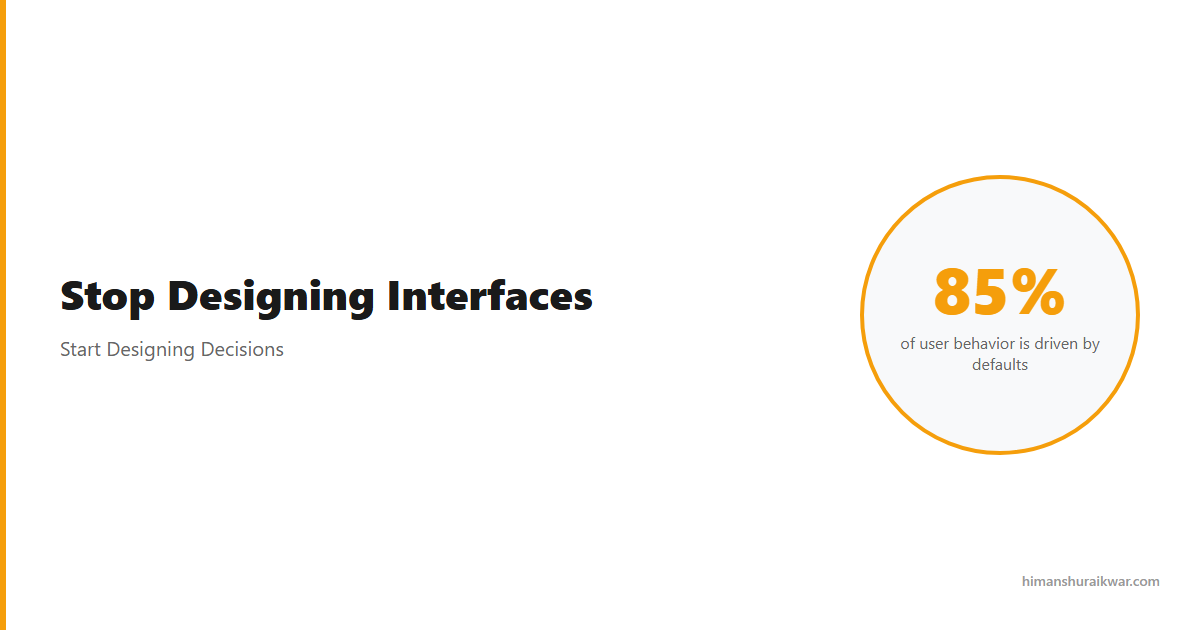
Every screen you design is a decision architecture. Decision design shapes how users think, choose, and act. Most designers don’t realize they’re already doing it—just doing it badly. Every screen you design is a decision architecture UX system. It shapes how users think, choose, and act.
The interface isn’t the product. It’s the medium through which users make decisions. Button placement, default values, content ordering—these aren’t visual choices. They’re behavioral constraints.
Interfaces Are Decision Systems
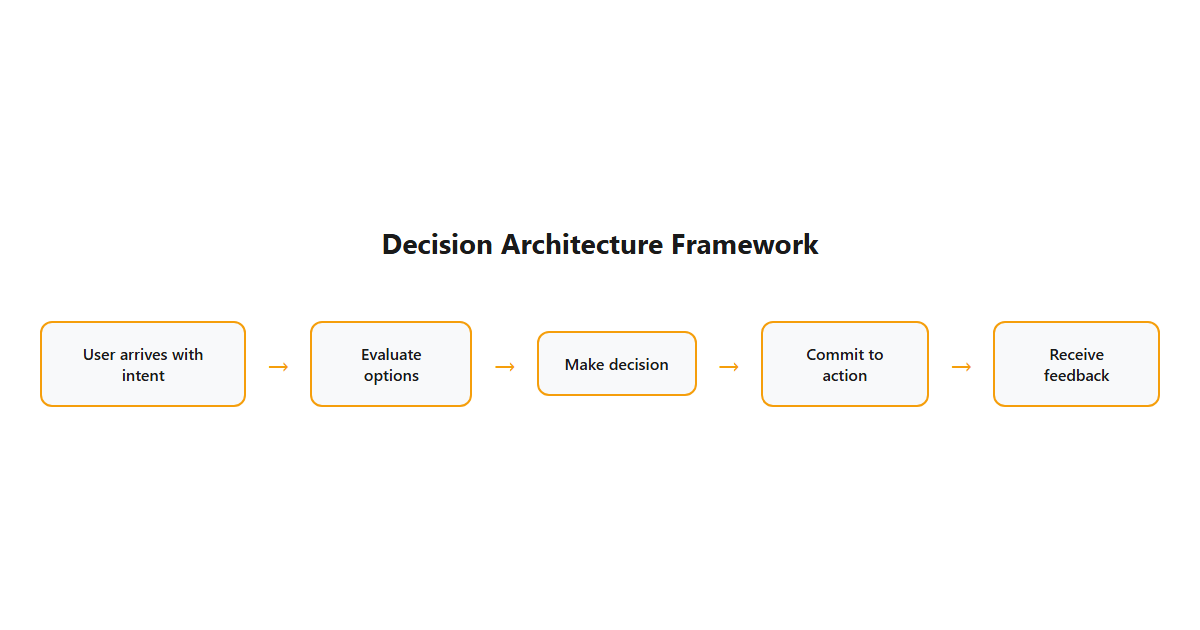
Behind every interface exists a decision system. Users arrive with intent. They evaluate options. They commit to actions. Your job is to make that process clear, fast, and correct.
Most designers focus on making interfaces pretty. The best designers focus on making decisions easy. The difference is massive.
| Pretty Interface | Decision-Optimized Interface |
|---|---|
| Looks good in portfolio | Works well in practice |
| Focuses on aesthetics | Focuses on outcomes |
| Users admire it | Users complete tasks |
| Design wins awards | Business wins customers |
Decision design isn’t about removing choices. It’s about presenting choices in a way that helps users make the right one.
How Decision Architecture Works
Decision architecture is the invisible structure that guides user behavior. It works through:
Choice framing: How you present options influences which one users pick. “Save” vs. “Don’t save” creates different behavior than “Save” vs. “Cancel.”
Default values: Most users never change defaults. The default you choose IS the decision.
Information hierarchy: What users see first shapes what they choose. Visual weight = perceived importance.
Progressive disclosure: Showing fewer options reduces cognitive load. Users decide better when they decide less.
These aren’t tricks. They’re design decisions that respect how humans actually think.
The Science Behind Decision Design
Behavioral economics has proven that humans aren’t rational decision-makers. We use heuristics. We’re influenced by framing. We follow the path of least resistance.
Good decision design works with human psychology, not against it:
| Cognitive Bias | Design Application |
|---|---|
| Anchoring | Show the most important option first |
| Default effect | Set smart defaults |
| Choice overload | Reduce options to essentials |
| Loss aversion | Frame choices to avoid loss |
The best interfaces feel effortless because they’re designed for how humans actually think, not how we wish we thought.
How to Start Designing Decisions
You don’t need to become a behavioral scientist. You need to ask better questions.
Question 1: What decision is the user making on this screen?
If you can’t answer this clearly, the screen isn’t ready for design.
Question 2: What’s the ideal outcome?
Define what “success” looks like before you design the interface.
Question 3: What’s getting in the way?
Identify friction points, confusion sources, and decision blocks.
Question 4: How can I make the right choice easier?
Design for the ideal path. Make the right decision the easy decision.
This framework works for every interface: checkout flows, onboarding, dashboards, settings pages. The context changes. The principles don’t.
Decision Design Is the Future of UX
As AI automates more of the design process, the human elements become more valuable. AI can generate interfaces. It can’t understand human decisions.
Decision design requires empathy, psychology, and strategic thinking. These are uniquely human skills. They’re also the most valuable skills in UX.
Stop designing screens. Start designing decisions. Your users will thank you. Your business will reward you.